The Best Bible Apps Without Ads: Free and Paid Options Compared (2024)

Finding the best Bible app without ads sounds simple — until you realize that "ad-free" means something different depending on who's funding the app. Some apps remove ads only after you pay a monthly fee. Others are genuinely free because they run on donations or church grants. A few are subscription-only from day one. The distinctions matter, especially if you're mid-prayer and a banner for a fast-food chain slides across your screen. This guide cuts through the noise, explains exactly how each model works, and gives you a clear comparison across price, translations, study features, offline access, and privacy.

How Ad-Free Bible Apps Are Actually Funded
Before comparing specific apps, you need to understand the three funding models — because the model shapes everything from feature depth to data privacy.
- Donation / ministry-supported: Apps like YouVersion (Bible.com) are built by non-profits (Life.Church, in YouVersion's case) and funded by church donations. They are free with no ads, but they collect significant usage data to report back to donors and improve engagement metrics.
- Subscription-funded (freemium): Apps like Logos and Olive Tree offer a free tier with ads or limited content, then charge $9–$30/month for an ad-free premium experience. The free tier is essentially a funnel.
- One-time purchase or perpetually free: Apps like ESV Bible (Crossway) and Prism are ad-free by design. Crossway funds the ESV app through Bible sales and licensing. Prism focuses on delivering a clean, distraction-free study experience without paywalling core features.
Privacy is a real trade-off here. Donation-funded apps often track reading habits, streaks, and engagement data at scale. Pew Research data shows that 35% of U.S. adults use a smartphone or tablet for religious activities — making Bible apps a significant data category. If privacy matters to you, check each app's privacy policy before downloading.
The 7 Best Bible Apps Without Ads, Ranked and Compared
Each entry below is evaluated on five criteria: price, translations available, study features, offline access, and privacy posture. No app scores perfectly on all five — knowing the trade-offs is the point.
1. Prism Bible App — Best for In-Depth Scripture Analysis
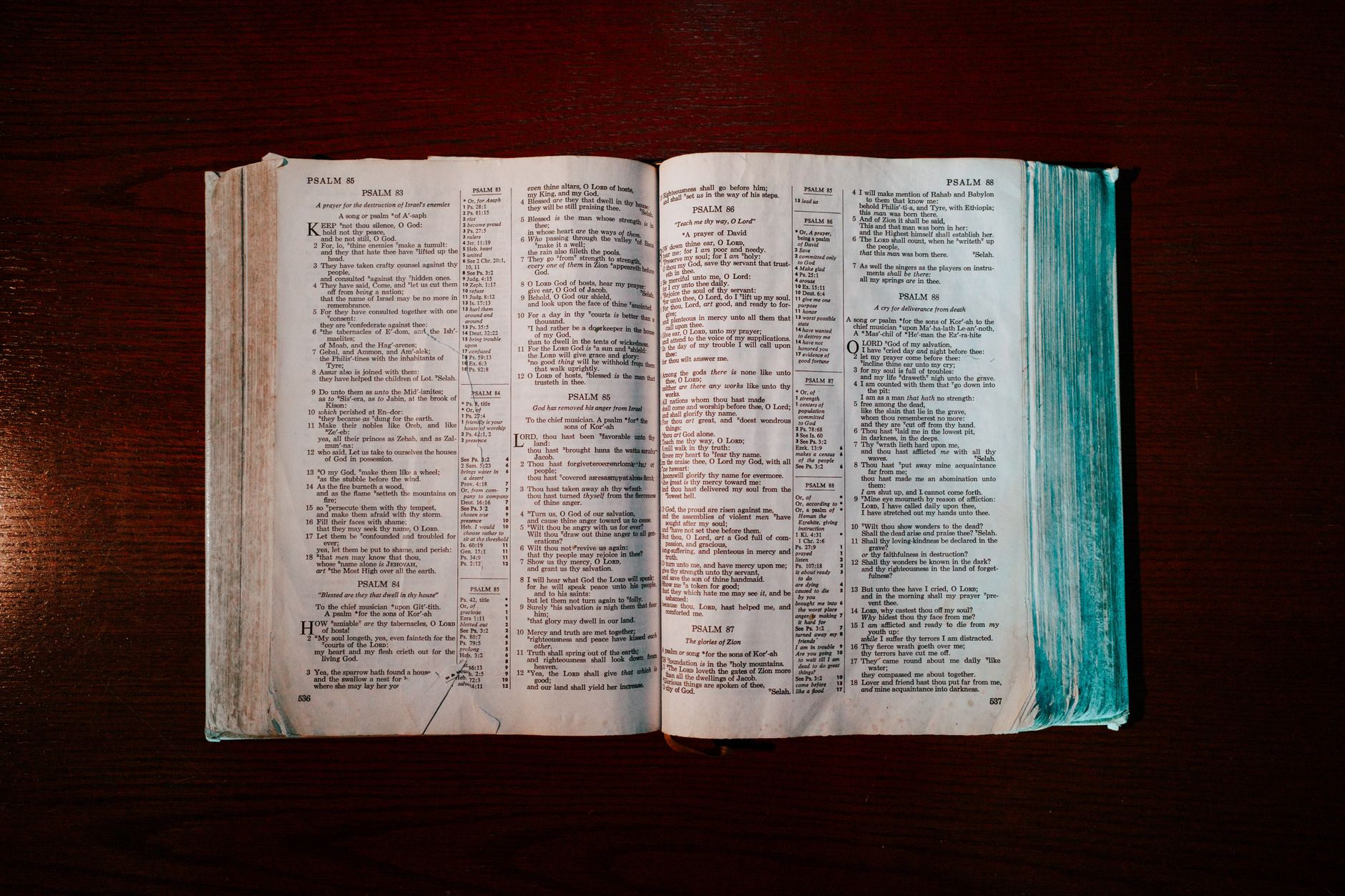
Price: Free (core features) | Ads: None
Prism is purpose-built for serious Bible study, not casual reading streaks. Where most apps show you a verse and move on, Prism surfaces historical context, cultural background, and cross-references side by side. For example, reading 2 Timothy 3:16 in Prism pulls up not just the text but the authorship context, the Greek word theopneustos ("God-breathed"), and parallel passages — all without a single ad interrupting the flow.
The app also includes personalized reading plans and a clean, minimal interface that keeps the focus on the text. Offline access is supported for downloaded content. Privacy-wise, Prism does not monetize user data through third-party ad networks — a meaningful distinction from larger platforms.
Best for: Readers who want commentary-level depth without paying for a Logos subscription. Watch out for: Fewer social/community features than YouVersion if that's what you value.
2. YouVersion (Bible.com) — Best Free Option for Breadth
Price: Free | Ads: None (funded by Life.Church donations)
YouVersion is the most downloaded Bible app in history — over 500 million installs as of 2023, according to YouVersion's own press page. It carries more than 2,000 Bible versions in 1,300+ languages, which no other free app comes close to matching. Reading plans are plentiful, and the social features (verse sharing, friend plans) are genuinely well-built.
The trade-off is data. YouVersion tracks reading streaks, plan completions, and engagement metrics to report to Life.Church and its network of partner churches. There are no ads, but you are the product in a softer sense. Also, the app's sheer feature density can feel overwhelming for someone who just wants to read quietly.
Best for: Families, small groups, and anyone who wants the widest translation library at zero cost. Watch out for: Notification spam (streak reminders) that you'll need to manually disable.
3. ESV Bible by Crossway — Best for a Single-Translation Deep Dive

Price: Free | Ads: None
Crossway's ESV Bible app is exactly what it sounds like: the English Standard Version, cleanly presented, with no ads and no subscription required. It includes audio Bible narration, a reading plan, and offline access to the full ESV text. The interface is stripped down to the point of being almost spartan — which is a feature, not a bug, for readers who find other apps visually cluttered.
The obvious limitation is that you get one translation. If you regularly compare the ESV with the NIV, NKJV, or NASB, you'll need a second app. Study notes are minimal compared to Logos or Prism. But for daily ESV reading with zero friction, nothing beats it.
Best for: ESV loyalists who want a dedicated, distraction-free reading app. Watch out for: No cross-translation comparison and very limited commentary tools.
4. Logos Bible Software — Best for Seminary-Level Study (Paid)

Price: Free tier available; Logos Pro subscription starts at ~$19.99/month | Ads: None on paid tiers
Logos is the professional standard for pastors, theologians, and seminary students. The free tier gives you a handful of resources and a few translations, but the real power — original language tools (Greek and Hebrew interlinears), thousands of commentaries, and the Factbook feature that links every person, place, and concept in Scripture — requires a paid subscription or library purchase.
The subscription model means you pay monthly for access rather than owning resources outright, which frustrates some longtime users. But if you need to cross-reference Romans 3:25–27 against Greek lexicons, patristic commentary, and systematic theology simultaneously, Logos is the only mobile/desktop tool that handles it at that depth.
Best for: Pastors and serious students who need research-grade tools. Watch out for: The cost adds up fast; a well-stocked Logos library can run $500–$2,000+ in add-on purchases.
5. Olive Tree Bible App — Best Mid-Tier Paid Option
Price: Free base app; individual resources purchased à la carte (~$5–$40 each) | Ads: None
Olive Tree sits between YouVersion and Logos. The base app is free and ad-free, and it includes a few translations and basic reading tools. The model is à la carte: you buy commentaries, study Bibles, and reference tools individually rather than paying a monthly subscription. A Matthew Henry commentary runs about $10; the ESV Study Bible add-on is around $15.
This model suits readers who know exactly which resources they want and don't want to pay a recurring fee. Offline sync is excellent — Olive Tree's "Resource Guide" feature automatically surfaces relevant content as you read, similar to Logos's Factbook but lighter-weight. It works well on both mobile and desktop.
Best for: Readers who want curated study tools without a subscription. Watch out for: Costs can creep up if you buy many add-ons; the free tier's built-in resources are fairly thin.
6. Bible Gateway — Best for Online Translation Comparison
Price: Free (web); Bible Gateway Plus ~$3.99/month for ad-free | Ads: Ads present on free tier; removed with Plus
Bible Gateway's free web version carries ads — this is the one entry on this list where "free" and "ad-free" are not the same thing. The Plus subscription ($3.99/month or $39.99/year) removes all ads and adds audio Bibles, the NRSV, and a handful of study resources. It's the most affordable paid option here.
The platform's real strength is translation breadth for comparison. You can display the NIV, KJV, NASB, and The Message side by side in seconds. For word studies and quick cross-translation checks, Bible Gateway online is faster than any app. The mobile app, however, lags behind competitors in design and offline capability.
Best for: Desktop-first users who do a lot of translation comparison. Watch out for: The mobile app feels dated; the free tier's ads are intrusive enough to be genuinely distracting during study.
7. Bible Hub — Best Free Tool for Original Language Study
Price: Free | Ads: Minimal (small banner ads, non-intrusive)
Bible Hub is technically a website, not a native app — but it deserves a spot here because no free tool matches it for original-language access. Every verse links to Strong's Concordance numbers, Greek and Hebrew lexicons, Thayer's definitions, and parallel translations. For a reader who wants to dig into the Greek behind John 3:16 without paying for Logos, Bible Hub is the answer.
The trade-off is UX. Bible Hub looks like it was designed in 2008 because, largely, it was. Small banner ads appear on most pages, though they're far less intrusive than the interstitials you'd find in ad-supported mobile apps. There's no native offline mode. But for sheer free scholarly data density, nothing else comes close.
Best for: Word-study enthusiasts and anyone learning biblical Greek or Hebrew on a budget. Watch out for: No offline access and a cluttered interface that takes getting used to.
Side-by-Side Comparison: Price, Translations, and Offline Access
Here's a quick reference table summarizing the key criteria. Use this to narrow your choice before downloading.
- Prism: Free | Multiple translations | Offline supported | No ads | Strong study features
- YouVersion: Free | 2,000+ versions | Offline supported | No ads | Data collection trade-off
- ESV Bible (Crossway): Free | ESV only | Full offline | No ads | Minimal data collection
- Logos: ~$19.99/mo | 100+ translations | Offline supported | No ads (paid) | Robust privacy policy
- Olive Tree: Free + à la carte | 30+ translations | Excellent offline | No ads | Moderate data collection
- Bible Gateway: Free (ads) / $3.99/mo | 200+ versions | Limited offline | Ads on free tier | Standard data policy
- Bible Hub: Free | 20+ parallel | No offline | Minimal ads | Minimal tracking
Common Mistakes When Choosing a Bible App
Most people pick an app based on a friend's recommendation or a top-10 list and never revisit the choice. That's fine for casual reading — but if you're doing serious study, the wrong tool creates real friction.
- Assuming "free" means "ad-free." Bible Gateway's free tier has ads. Several smaller apps on the App Store run interstitial ads between chapters. Always check before you commit.
- Ignoring offline capability. If you study on a plane, in a rural area, or simply want to save mobile data, offline access is non-negotiable. YouVersion requires you to manually download each version; Prism and Olive Tree handle this more smoothly.
- Paying for Logos when Prism or Olive Tree would suffice. Logos is extraordinary — but most lay readers don't need Greek interlinears and 3,000 commentaries. A focused app like Prism delivers historical context and cross-references without the learning curve or monthly fee.
- Overlooking privacy settings. YouVersion's data practices are disclosed but extensive. If you'd rather not have your reading habits tied to an account linked to a church network, a standalone app with local storage is a better fit.
According to Statista, Bible app downloads have grown steadily year over year, which means the market is crowded and the quality gap between apps is widening. The best choice is the one that matches your actual study habits — not the one with the most downloads.
Which App Should You Actually Use?
Here's the honest answer: most readers need two apps, not one. A lightweight, always-open reading app (ESV Bible or YouVersion) for daily reading, paired with a deeper study tool (Prism, Olive Tree, or Logos) for when you want to go further. That combination covers both speed and depth without forcing you to compromise on either.
If you want a single app that handles both roles without ads, without a subscription, and with genuine analytical depth, Prism Bible App is the strongest candidate. Explore the personalized reading plans to get started, or dive straight into a passage you've been meaning to study more carefully. The difference between reading the Bible and understanding it often comes down to the tools beside the text — choose them deliberately.